Drivers
First time charging with ChargeMe? Here is how it works
Find a station, check it is free, scan the QR code or tap your RFID card and start charging. A short guide for EV drivers in Dhaka.
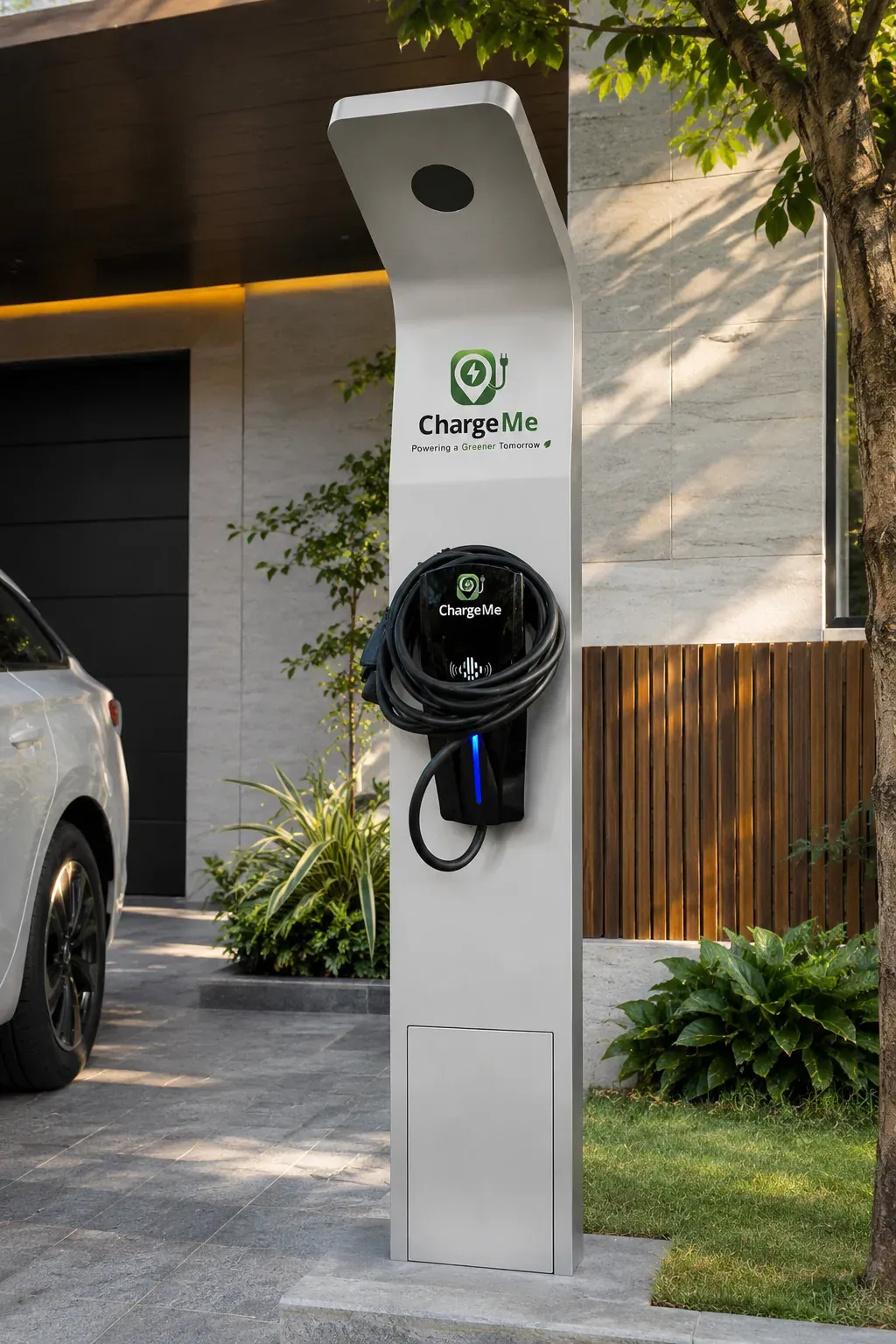
If you’ve just switched to an electric vehicle, public charging can feel unfamiliar. It’s simpler than it looks. Here’s the whole journey.
1. Find a station
Our live locations in Dhaka are listed on the Find a charger page, with directions for each:
- United International University (UIU), Madani Avenue, Basement 1
- Casablanca, Gulshan Avenue, Gulshan-1, Basement 2
- FARS Hotel & Resorts, Bijoynagar, Basement 1
More charging points are coming soon.
2. Check availability
The ChargeMe mobile app shows stations and real-time availability, so you can check before you leave.
3. Navigate there
Tap Directions on any location to open it in Google Maps.
4. Scan the QR code or tap RFID
At the charger, start your session by scanning the QR code with the app or tapping an RFID card.
5. Start charging
Plug in, confirm, and you’re charging. You can follow the session in the app, and your history and invoices are kept there too.
A few good habits
- Follow the on-screen instructions and any site rules.
- Make sure your vehicle and connector are compatible with the charger.
- Move your car when you’re done so the next driver can charge.
- If something looks wrong with a session or a bill, contact us with your session reference.
Paying
Payments are processed securely through SSLCOMMERZ, which accepts local and international cards, mobile banking (including bKash, Nagad and Rocket), internet banking and e-wallets.
Questions about the ChargeMe EV Guide app? Email support@chargemesg.com.