One dashboard for every charger, every site

Charging infrastructure, network operations, cloud software, payments and fleet tools — from a single charging point to a multi-site commercial network.

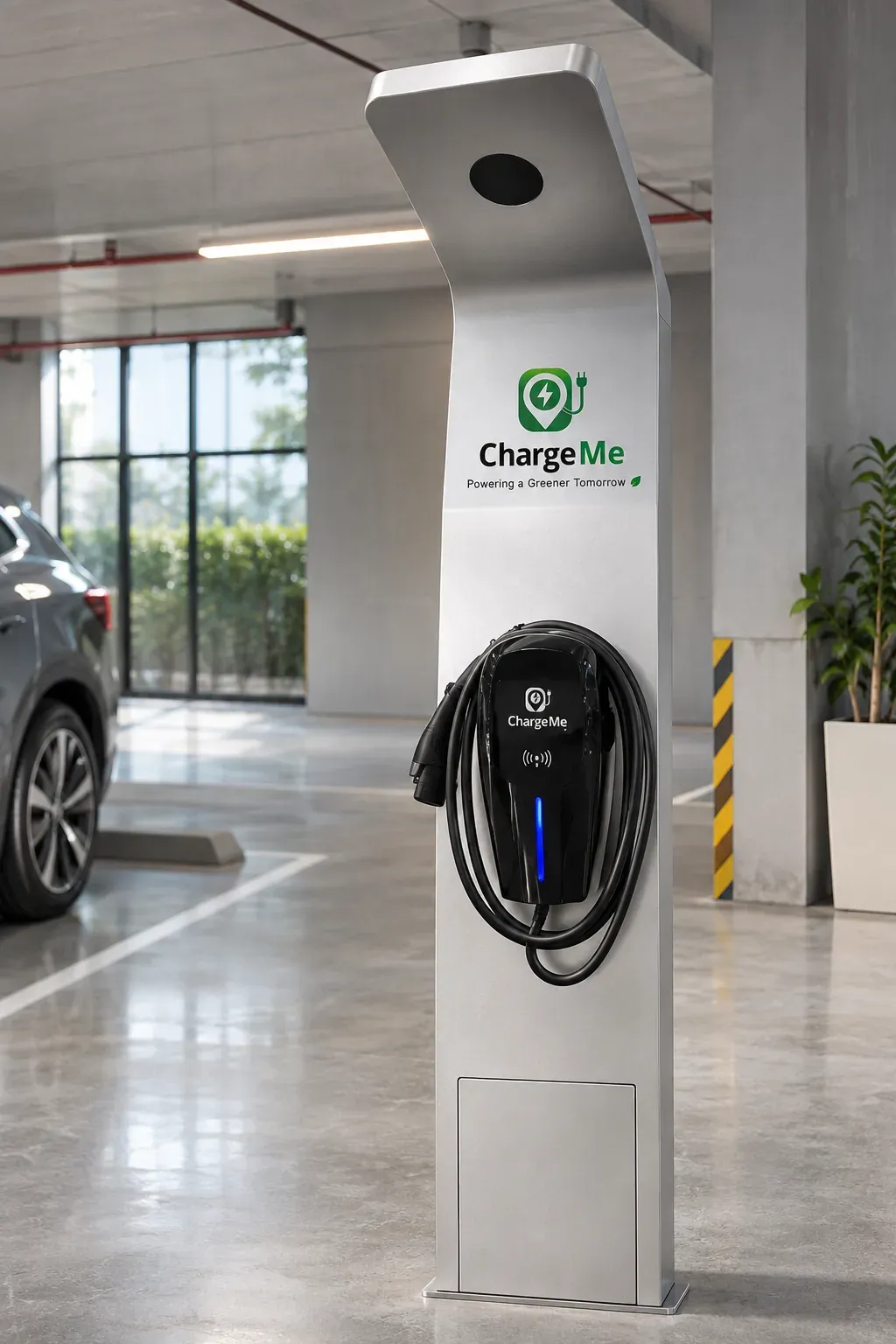
A ChargeMe charger with its screen and card reader in a car park
OCPP-connected chargers report into one cloud platform: sessions, faults, tariffs and revenue.

Software Platform

The ChargeMe smart charging platform

A white-label, cloud-based charging management ecosystem serving EV users, site operators, fleet customers and partner businesses — built for multi-site, multi-partner operation with flexible configuration and API integration.

Mobile App

For EV drivers

  • Find charging stations and check real-time availability
  • Start and stop charging via QR code or RFID
  • Digital payments, wallet and invoice management
  • Charging session history and notifications
  • Reservation where enabled, plus in-app support access
  • Promotional messages and loyalty features

Operator Portal

For site owners, operators and fleets

  • OCPP-compatible charger monitoring and management
  • Remote start, stop, tariff and session configuration
  • Fault alerts, energy analytics and revenue reporting
  • User and role-based access management
  • Site performance monitoring and partner settlement
  • Fleet management and multi-site dashboard

Under the hood

Built for multi-site, multi-partner operation

Already have OCPP chargers? We can test them.
OCPP Compatible
AC and DC charger connectivity via OCPP for broad hardware compatibility.
Cloud Architecture
Scalable platform supporting multi-site, multi-partner operation from one dashboard.
Payment Integration
Local payment gateway and wallet integration configurable per market.
API & White-Label
API integration and white-label deployment for qualified partners.

EV Driver Journey

Charging made simple for EV drivers

The ChargeMe mobile app supports QR code and RFID access, digital payments, session history and in-app support — available across ChargeMe network locations.

  1. 1 Find Station
  2. 2 Check Availability
  3. 3 Navigate
  4. 4 Scan QR / Tap RFID
  5. 5 Start Charging